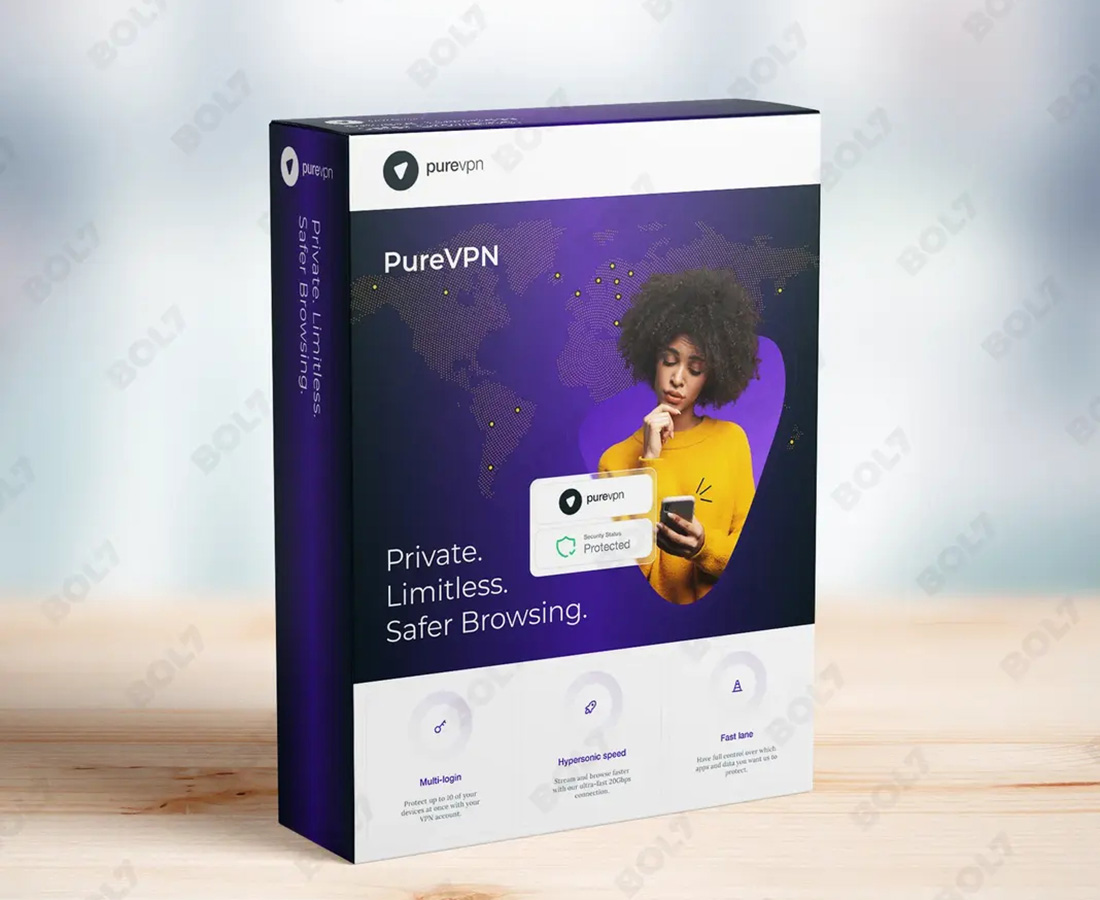
Recently, I have been testing different types of network software, and VPNs are one category that has particularly interested me. In the past, I usually chose a VPN based mainly on the number of servers and the price. However, after using VPN software continuously, I realized that the actual experience is much more complicated than the advertised specifications. Connection speed, server switching, ease of use, network stability, and privacy features can all have a major impact on the long-term experience.
First Impressions: How Do the Three VPNs Compare?
When testing software, the first thing I usually look at is how easy it is to use after installation. A VPN should not require complicated adjustments every time you want to connect. If a service takes too much time to configure, I would find it difficult to use as an everyday tool.
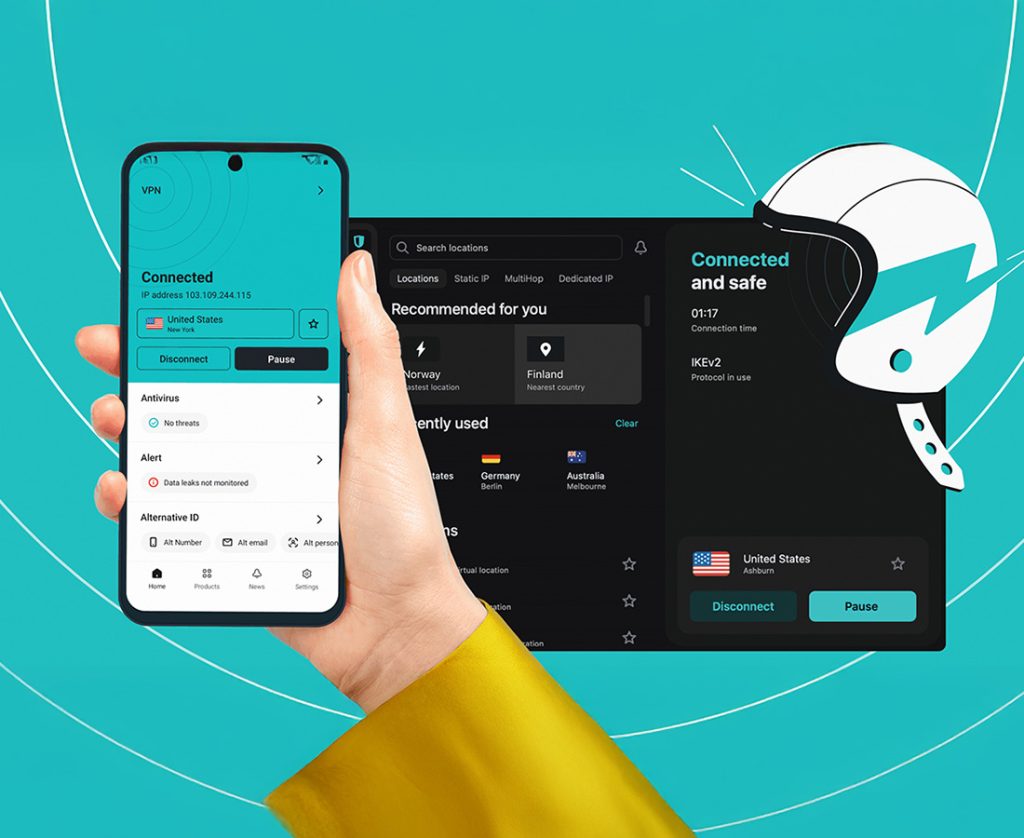
All three VPNs performed well in this area. The PureVPN interface is fairly intuitive, and I could quickly find the connection button and server selection options. During my first test, I used automatic connection and then manually switched between several regions. The process was straightforward, and I think PureVPN has a relatively low learning curve for first-time users.
NordVPN also has a clear interface, although its features felt slightly more geared toward experienced users. Surfshark gave me a lighter and simpler impression. All three handle basic VPN connections well, but based purely on first-time usability, I personally preferred PureVPN and Surfshark.
Speed Test: Distance and Routing Matter
Speed is one of the most important factors I consider when testing VPN software. Instead of testing each service at only one specific time, I connected to servers in different regions and used them for web browsing, online searches, and video streaming.
When connected to relatively nearby servers, all three services provided a smooth browsing experience. I could open websites, view images, and perform searches without significant lag. PureVPN felt particularly stable during this part of my testing, and I did not notice a significant reduction in browsing speed when using a nearby server.
When I switched to servers located farther away, latency increased with all three VPNs. This reminded me that a VPN should not be judged by a single speed test. Server distance, local network quality, routing, and server load can all affect actual performance.
Based on my experience, PureVPN, NordVPN, and Surfshark can all handle everyday browsing and video streaming. If low latency is the priority, I would choose a server relatively close to my location rather than simply selecting a specific country.
Regional Connections: PureVPN Offers Useful Flexibility
As part of my software testing, I often need to check how websites behave in different regions, so server locations are important to me.
PureVPN made it convenient to switch between different server locations. I could select a region based on my needs and then observe how websites loaded and whether their content changed. When testing multiple servers, the process was straightforward.
NordVPN and Surfshark also offer servers in multiple regions. However, connecting to a server in a particular country does not necessarily mean every website will treat you exactly like a local user. Some websites also consider account information, cookies, GPS data, and other factors when determining location. A VPN is therefore not a universal solution for every regional restriction.
For me, the biggest benefit is being able to change my network exit location while testing different regional network environments.
Kill Switch: One of the Most Useful Features
I also paid close attention to what happens when a VPN connection suddenly drops. If the VPN disconnects unexpectedly and the device immediately switches back to the regular connection, there is a potential risk of exposing the real IP address.
PureVPN provides a Kill Switch feature that can prevent the device from continuing to transmit traffic through the regular connection when the VPN is interrupted. I found this particularly useful when considering public Wi-Fi in hotels, airports, and coffee shops.
NordVPN and Surfshark also provide similar protection, so all three services are fairly well equipped in this area. I consider a Kill Switch more practical than many flashy additional features because it directly addresses what happens when the VPN connection fails.
Of course, enabling it may also mean that internet access temporarily stops if the VPN connection fails, so I would choose whether to enable it depending on the situation.
Split Tunneling: Comparing Flexibility
I also tested Split Tunneling, which allows certain applications to use the VPN while others continue using the regular network.
I found this useful for long-term use. Some local websites and services do not need a VPN, and routing all traffic through one could potentially affect performance. With Split Tunneling, I can choose which applications should use the VPN.
PureVPN felt practical in this area and should appeal to users who want more control over their traffic. Surfshark also offers flexible usage options, while NordVPN provides a broad range of features.
For occasional VPN users, Split Tunneling may not be essential. However, if I were using a VPN every day, I would pay more attention to this feature because it can reduce unnecessary network routing.
Mobile Experience: The Differences Are Smaller Than Expected
Since many online activities now take place on smartphones, I also tested the mobile versions of all three services.
The PureVPN mobile app is easy to understand. Connecting to a server and switching regions are straightforward. I used it over mobile data for web browsing and information searches, and when the signal was strong, I did not notice any significant additional burden.
NordVPN and Surfshark also provided mature mobile experiences. The core experience was quite similar across all three, with the biggest differences being interface design and feature organization.
If the goal is simply to turn on a VPN quickly, all three can meet that need. If I frequently needed to switch regions or adjust advanced settings, I would choose whichever software felt most comfortable rather than simply counting features.

Privacy Protection: More Than Just Changing an IP
After testing these services, I increasingly felt that the core value of a VPN is not simply changing an IP address. When using public Wi-Fi at a coffee shop, hotel, or airport, I am more concerned about whether the network connection receives an additional layer of protection.
PureVPN can route network traffic through a VPN connection, adding another layer of protection when using public networks. NordVPN and Surfshark similarly emphasize privacy and network security.
However, I would not consider any VPN a complete anonymity solution. Browser fingerprinting, cookies, account logins, and device information can still be used by websites to identify users. Therefore, I see a VPN as one part of an overall privacy strategy rather than the only solution.
Which One Would I Choose?
After comparing the three services, I think each has its own strengths. NordVPN gave me the impression of being a mature product with a comprehensive feature set. Surfshark felt lighter and more flexible, while PureVPN offered a balanced combination of server selection, core features, and ease of use.
If my priority were a mature overall experience, NordVPN would be a solid choice. If I wanted simple operation and flexibility, Surfshark would be worth considering. However, for regional network testing, public Wi-Fi protection, and everyday VPN use, I would be more inclined to continue using PureVPN.
After testing all three, PureVPN left the strongest impression on me. It did not feel unnecessarily complicated, switching between servers was straightforward, and features such as Kill Switch and Split Tunneling provided useful options for more specific needs.












+ There are no comments
Add yours